What Is Webflow?
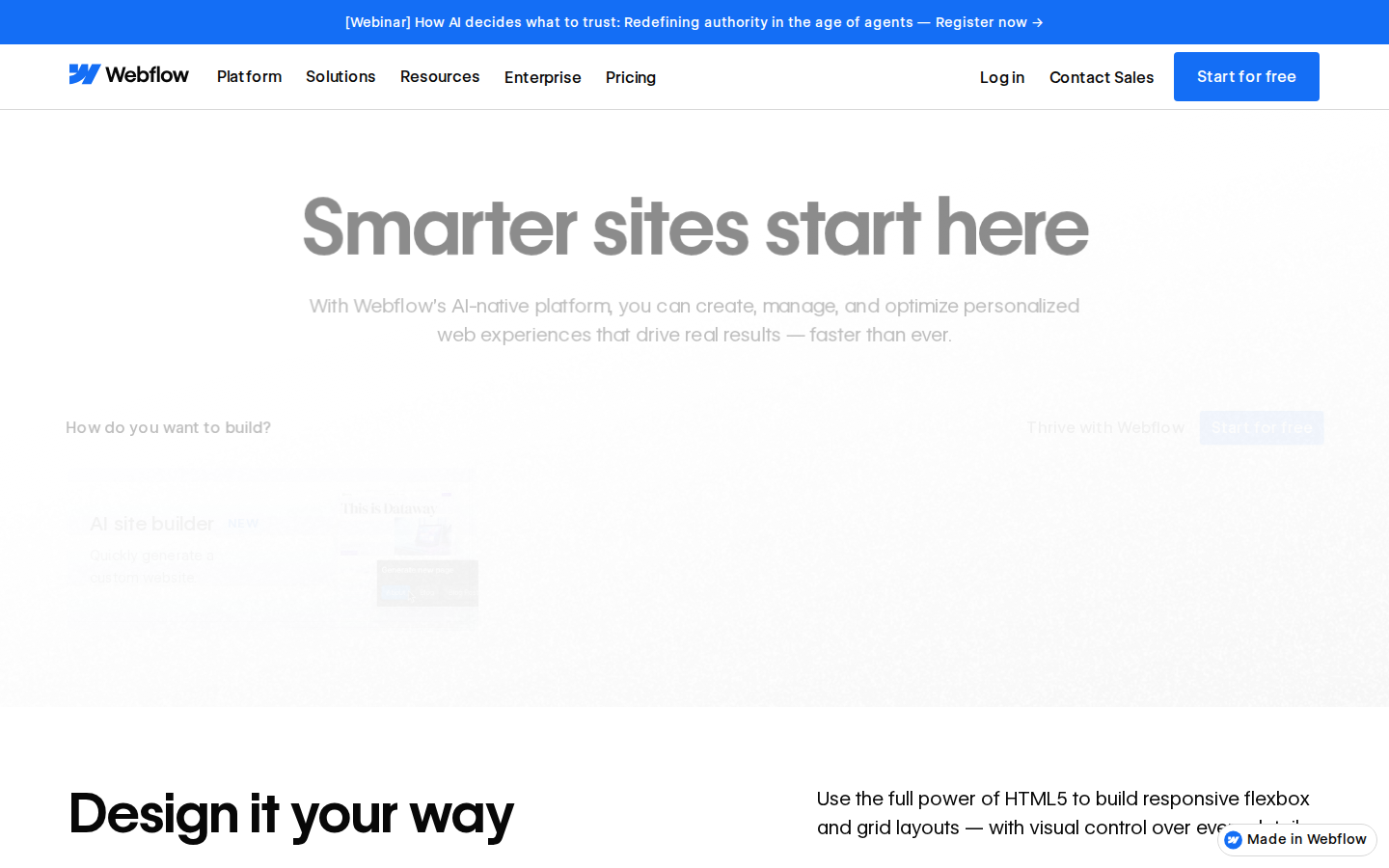
Webflow is a visual web development platform that generates production-quality HTML, CSS, and JavaScript. Unlike drag-and-drop builders that abstract away the underlying code, Webflow exposes the full CSS box model visually — every margin, padding, flexbox, and grid property is accessible. This makes it the most capable no-code tool available, and also the most complex to learn.
Founded in 2013 and now serving over 3.5 million websites, Webflow has become the default choice for serious web designers and agencies. It includes hosting, a headless CMS, e-commerce, membership features via Memberstack integration, and a growing suite of AI tools.
Key Features
Visual CSS Editor
Every Webflow property maps directly to CSS. Position, display, typography, animations — all set through a panel that generates clean, semantic code. The output is hand-craftable, not bloated plugin markup. Developers can inspect and export the code at any time.
CMS Collections
Webflow’s CMS is the most flexible in the no-code space. Create custom content types with any field combination, connect them to dynamic page templates, and publish hundreds of pages from a single template. Ideal for blogs, directories, product catalogues, and case study libraries.
Interactions and Animations
Build scroll-triggered animations, hover effects, page transitions, and complex multi-step interactions without JavaScript. Webflow’s interaction system is the most powerful visual animation tool available outside of code.
E-commerce
Webflow’s e-commerce tier handles product pages, cart, checkout, and order management. It is not a Shopify replacement for high-volume stores, but it is excellent for boutique shops where design is a competitive advantage.
AI Assistant
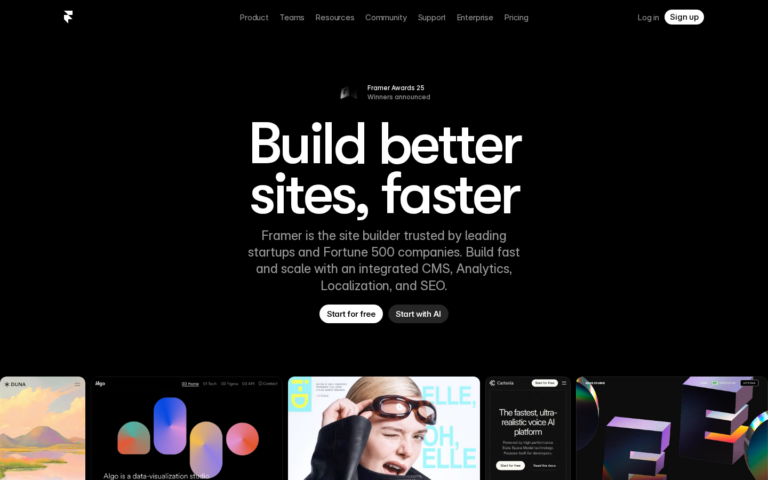
Webflow’s AI tools generate copy, suggest layouts, and can build simple page sections from a text prompt. Less capable than Framer’s AI generation, but improving rapidly in 2026.
Webflow Pricing
| Plan | Price | CMS Items | Best For |
|---|---|---|---|
| Basic | $14/mo | 0 | Static marketing sites |
| CMS | $23/mo | 2,000 | Blogs, content sites |
| Business | $39/mo | 10,000 | High-traffic sites |
| Enterprise | Custom | Unlimited | Large organisations |
Webflow’s pricing is higher than Framer and Squarespace. The CMS plan at $23/mo is the most popular — it covers most agency client sites and content-heavy projects.
Pros and Cons
Pros
- Most powerful visual website builder available — full CSS control
- CMS is flexible, scalable, and developer-friendly
- Interaction system for animations is unmatched in no-code
- Clean code export — useful for handing off to developers
- 50% first-year affiliate commission — best in the no-code space
- Huge ecosystem of templates, courses, and community resources
Cons
- Steep learning curve — expect 2–4 weeks to get productive
- Pricing is higher than most competitors
- E-commerce is not a Shopify replacement for serious stores
- AI generation is behind Framer’s quality
Who Is Webflow Best For?
- Web design agencies: The most profitable tool to learn — agencies charge premium rates for Webflow sites
- In-house marketing teams: Update complex CMS-driven sites without developer dependency
- Content-heavy sites: Blogs, directories, and knowledge bases with structured content
- Developers who want visual control: Build faster with Webflow’s visual layer, export clean code
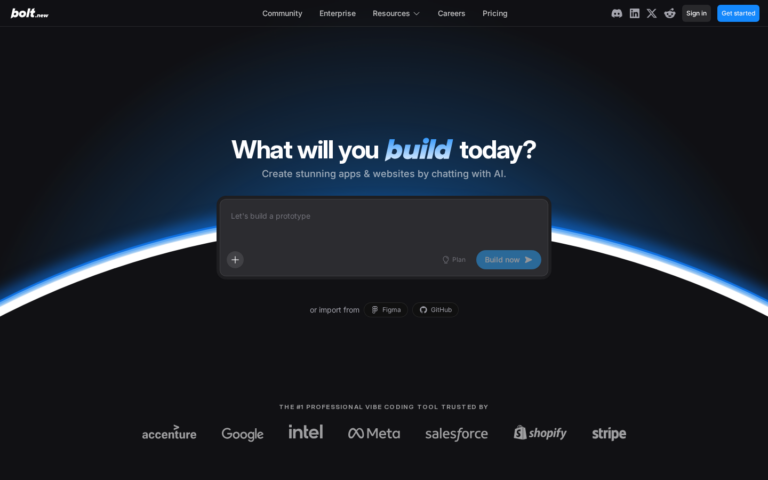
Skip it if: You need something live in a day — Framer or Bolt.new will get you there faster.
Need a Landing Page for Your Project?
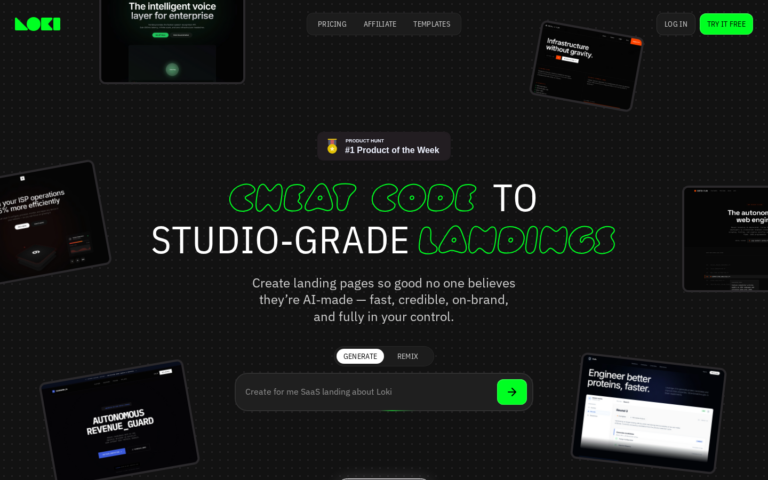
Whatever you’re building, you need a page that converts. Loki.Build generates studio-grade landing pages from a single prompt — in under 60 seconds. Free plan available. And if you share it with others, you earn 50% of their first 3 payments.
FAQ
Is Webflow worth learning in 2026?
Yes. Webflow skills command premium freelance rates. Agencies routinely charge $5,000–$50,000 for Webflow projects. The learning investment pays back quickly.
Does Webflow have an affiliate program?
Yes — 50% of the first year of any subscription referred. A Business plan referral pays $234 in year one.
Can Webflow replace WordPress?
For most marketing sites, yes. For complex plugin ecosystems, WooCommerce stores, or sites requiring specific WordPress plugins, no.
Final Verdict
Webflow is the most powerful no-code tool you can learn. The learning curve is the only real barrier — once you are fluent, you can build anything a developer can, visually, in a fraction of the time. If you are a designer or agency owner, Webflow is arguably the highest-ROI skill in the no-code ecosystem.