What Is v0?
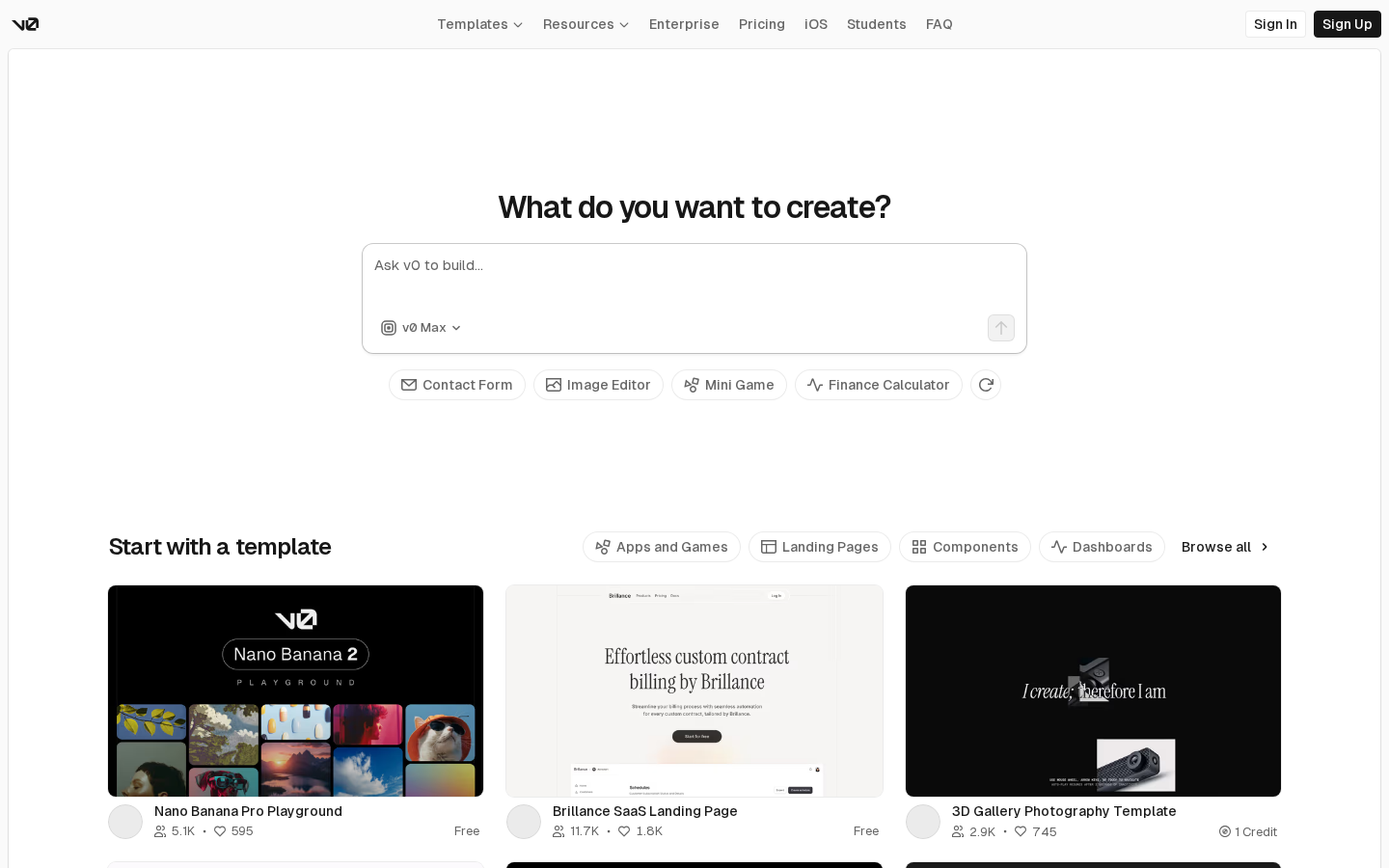
v0 is an AI UI generation tool built by Vercel — the company behind Next.js. You describe a user interface in plain text and v0 generates complete React components with Tailwind CSS styling, fully ready to copy into your project. No hallucinated APIs, no broken imports — just clean, deployable component code.
What makes v0 different from other AI code generators is its focus on UI components specifically. It understands design systems, accessibility patterns, and responsive layouts. The output uses shadcn/ui components, meaning it slots directly into any modern Next.js project with zero configuration.
Key Features
Text-to-UI Generation
Describe any UI — a dashboard, a pricing table, a login form, a data table — and v0 generates a complete React component. The generation is fast (under 30 seconds) and the code quality is consistently high.
Image-to-UI
Upload a screenshot, mockup, or Figma export and v0 converts it to React + Tailwind code. This is one of the most useful features for developers who receive designs from clients — skip the manual build entirely.
Iterative Refinement
Chat with v0 to refine the output. “Make the button larger”, “Add a dark mode toggle”, “Use a sidebar layout instead” — v0 updates the component in real time while preserving your previous changes.
shadcn/ui Integration
All v0 output uses shadcn/ui, the most popular component library for Next.js projects. Components are unstyled by default and fully accessible. v0’s output drops directly into any shadcn project without modification.
One-Click Deploy
Deploy any generated UI to Vercel with one click. Useful for sharing prototypes with clients or testing ideas without setting up a local environment.
v0.dev Pricing
| Plan | Price | Credits/Month | Best For |
|---|---|---|---|
| Free | $0 | 200 | Occasional use |
| Premium | $20/mo | 5,000 | Individual developers |
| Team | $30/user/mo | Shared pool | Development teams |
The free tier covers casual exploration. Premium at $20/mo is excellent value for developers who prototype regularly — 5,000 credits translates to roughly 100–150 full component generations per month.
Pros and Cons
Pros
- Generates production-quality React + Tailwind code, not just mockups
- Image-to-UI is remarkably accurate — converts Figma to code in seconds
- shadcn/ui output drops into any Next.js project without modification
- Fast iteration — refine components in natural language
- Built by Vercel — deep Next.js integration, one-click deploy
- Free tier is genuinely useful for evaluation
Cons
- Frontend only — no backend, database, or API generation
- Best suited for React/Next.js stack (limited Vue, Svelte support)
- Complex custom design systems require significant post-editing
- Credit system can feel limiting on the free tier
v0.dev vs Bolt.new
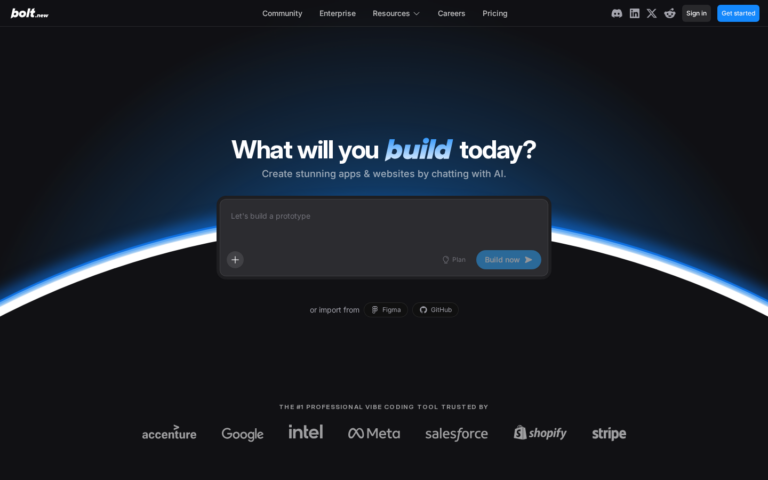
| Feature | v0.dev | Bolt.new |
|---|---|---|
| What it generates | React UI components | Full-stack applications |
| Backend | No | Yes |
| Code quality | Production-ready | Production-ready |
| Best for | UI prototyping | Full app MVP |
| Price | Free / $20/mo | Free / $20/mo |
Use v0 when you need a component or UI prototype. Use Bolt.new when you need a complete application with auth, database, and API.
Who Is v0.dev Best For?
- Frontend developers: 10x your component build speed — describe it, edit it, ship it
- Full-stack developers on Next.js: The fastest way to scaffold UI before adding logic
- Designers who code: Convert your Figma designs to production code in minutes
- Freelancers: Prototype client UIs quickly, then customise to exact requirements
Skip it if: You need a complete app — use Bolt.new. You work primarily in Vue or Svelte — v0 is React-first.
Need a Landing Page for Your Project?
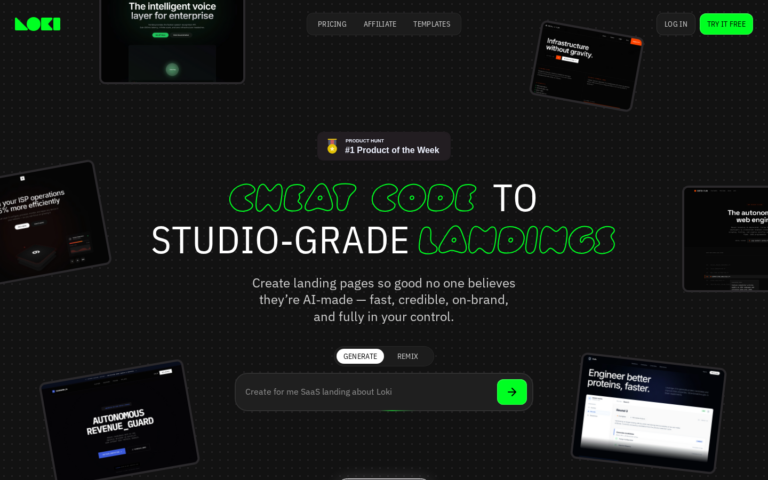
Whatever you’re building, you need a page that converts. Loki.Build generates studio-grade landing pages from a single prompt — in under 60 seconds. Free plan available. And if you share it with others, you earn 50% of their first 3 payments.
FAQ
Is v0.dev free?
Yes. The free plan provides 200 credits per month — enough for around 20–30 component generations.
What framework does v0 use?
v0 generates React components using Tailwind CSS and shadcn/ui. Output is optimised for Next.js projects but works in any React application.
Can v0 build a full app?
No — v0 generates frontend UI components only. For a complete application with backend and database, use Bolt.new or Lovable.
Final Verdict
v0.dev is the best-in-class tool for UI generation. If you build React applications, adding v0 to your workflow is a no-brainer — it turns hours of component scaffolding into minutes. The free tier is enough to experience the value. Premium at $20/mo is justified for any developer building interfaces professionally.