Cursor vs GitHub Copilot at a Glance
| Feature | Cursor | GitHub Copilot |
|---|---|---|
| Type | Standalone editor (VS Code fork) | Plugin for any editor |
| Multi-file edits | Composer — excellent | Workspace — beta |
| Model choice | GPT-4o, Claude 3.5, o1 | GPT-4o, Claude 3.5 |
| Free tier | 14-day trial | 2,000 completions/mo |
| Price | $20/mo (Pro) | $10/mo (Pro) |
| Works in JetBrains | No | Yes |
| Tab completion quality | Excellent (Cursor Tab) | Excellent |
| Codebase indexing | Yes — @codebase | Yes — workspace |
What Is Cursor?
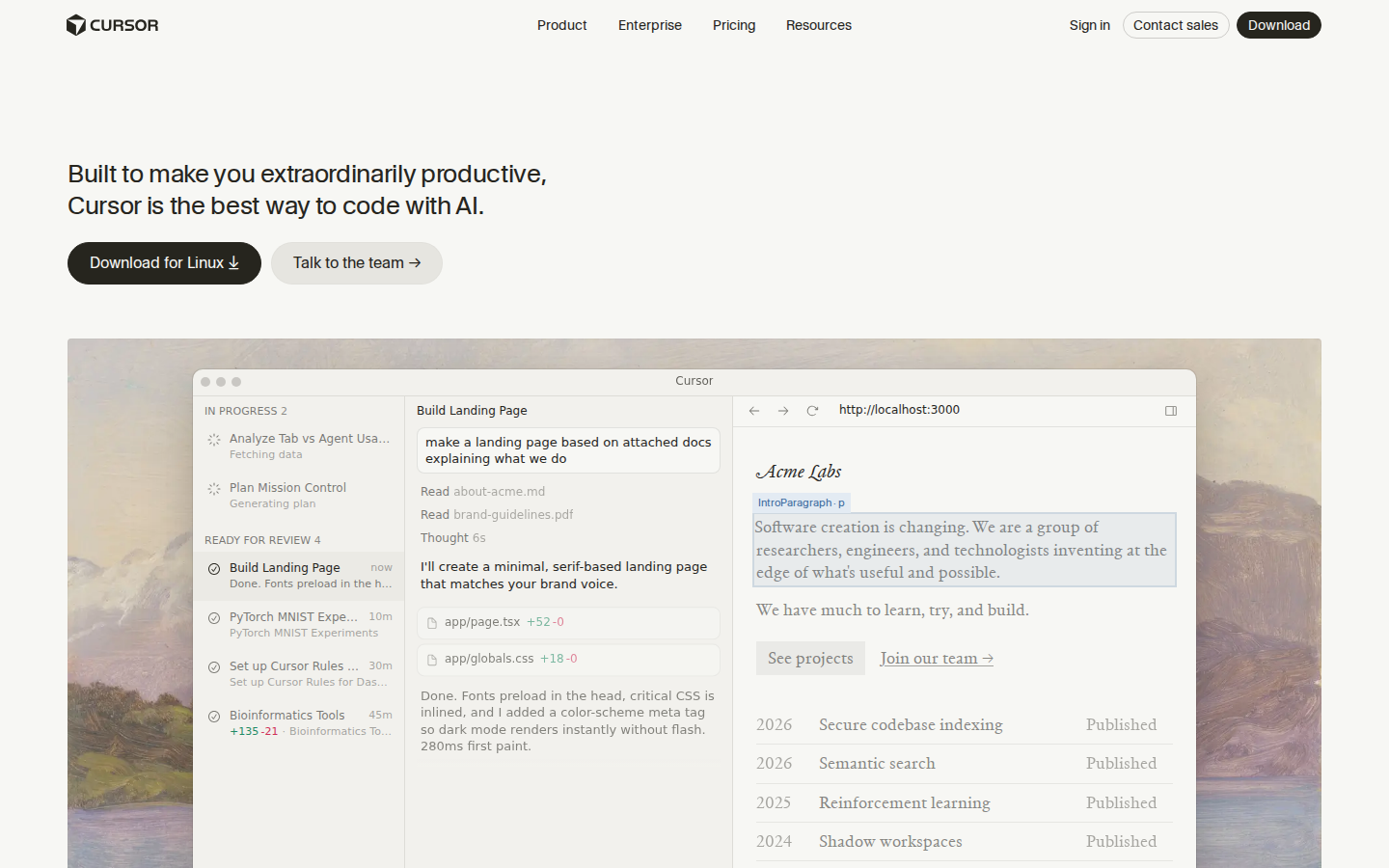
Cursor is a standalone code editor built as a fork of VS Code, purpose-built for AI-assisted development. It ships with its own AI features — Cursor Tab (completion), Cursor Chat, and Composer (multi-file edits) — all deeply integrated into the editor rather than bolted on as a plugin.
The key advantage is Cursor’s multi-file edit mode called Composer. Describe a feature in natural language and Cursor plans and implements changes across multiple files simultaneously, showing diffs you can accept or reject. It is the closest thing to having an AI engineer pair-programming with you.
What Is GitHub Copilot?
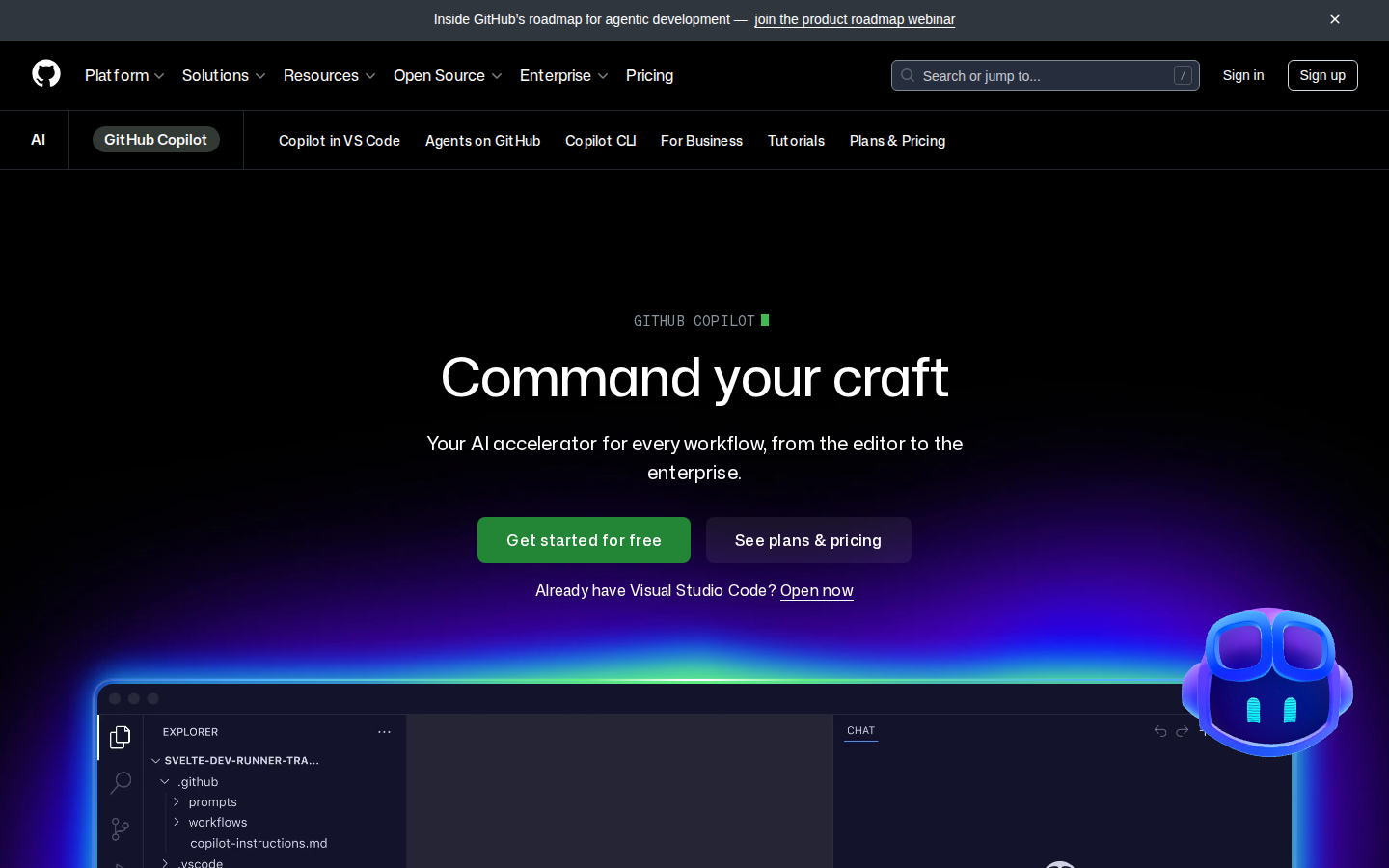
GitHub Copilot is an AI coding assistant that integrates into your existing editor as a plugin. Available for VS Code, JetBrains, Neovim, and Visual Studio, it offers inline completions, a chat panel, and the newer Copilot Workspace for multi-file changes.
The defining advantage is ubiquity. Copilot works wherever you already work. If you use IntelliJ, WebStorm, PyCharm, or any JetBrains IDE, Cursor is simply not an option — Copilot is the default answer.
Code Completion Quality
Both tools offer excellent tab completion. Cursor’s “Cursor Tab” model is trained specifically for multi-line completions and tends to suggest slightly longer, more contextually aware blocks than Copilot. In practice, the difference is small — both feel like having a fast typist predicting your next 10 lines.
Edge to Cursor for completions, but it is marginal.
Multi-File Editing
This is where Cursor pulls ahead significantly. Cursor Composer handles multi-file refactors, new feature implementations, and codebase-wide changes better than any tool available. You describe the change, Cursor plans it, writes it, and presents diffs — all within the editor.
Copilot Workspace exists but is still in beta as of 2026 and requires leaving the editor to use the GitHub web interface.
Clear edge to Cursor for multi-file work.
Pricing Comparison
| Plan | Cursor | GitHub Copilot |
|---|---|---|
| Free | 14-day trial | 2,000 completions/mo |
| Individual | $20/mo (Pro) | $10/mo (Pro) |
| Business | $40/user/mo (Business) | $19/user/mo (Business) |
Copilot wins on price — it is half the cost of Cursor at every tier. Copilot also has a genuinely useful free tier; Cursor’s trial expires after 14 days.
Who Should Choose Cursor?
- Developers who primarily use VS Code and want the most powerful AI editing experience
- Full-stack developers who regularly implement features spanning multiple files
- Teams building complex codebases who want autonomous multi-file editing
- Developers who want to choose between Claude, GPT-4o, and o1 models
Who Should Choose GitHub Copilot?
- JetBrains users (IntelliJ, PyCharm, WebStorm, GoLand) — Cursor is not available
- Developers who want AI assistance at the lowest cost ($10/mo vs $20/mo)
- Teams that need enterprise compliance, IP indemnity, and admin controls
- Anyone who wants a proven free tier before committing to a paid plan
FAQ
Can I use Cursor and GitHub Copilot together?
Technically yes — Copilot can be installed in Cursor as a VS Code extension. In practice, their completions conflict. Most developers choose one or the other.
Is Cursor worth the extra $10/mo over Copilot?
If you regularly implement multi-file features, yes — Composer alone saves hours per week. If you mainly want line completions and chat, Copilot’s $10/mo plan is hard to beat.
Which is better for Python?
Both are excellent for Python. Copilot has a slight edge for data science workflows through its JetBrains support (PyCharm). For web frameworks like FastAPI or Django, Cursor’s Composer handles multi-file scaffolding better.
Final Verdict
There is no wrong choice here — both tools are outstanding. Choose Cursor if you want the most powerful AI-native editing experience and work primarily in VS Code. Choose GitHub Copilot if you use JetBrains, want the best price-to-value ratio, or need enterprise-grade controls. Many developers trial Cursor and never look back — the Composer feature alone justifies the extra $10/mo for serious development work.
Final Verdict
| Cursor | GitHub Copilot | |
|---|---|---|
| Best for | Power users, complex codebases | Teams, enterprise, GitHub workflows |
| Free plan | ✅ Yes | ✅ Yes (2,000 completions/mo) |
| Starting price | $20/mo | $10/mo |
| Multi-file editing | ✅ Best in class | ⚡ Limited |
| Editor choice | Cursor (own app) | VS Code, JetBrains, Vim, etc. |
Choose Cursor if you want the most capable AI coding experience and don’t mind switching editors. Choose GitHub Copilot if you’re on a team, live in VS Code, or need enterprise-grade controls.
Need a Landing Page for Your Project?
Whatever you’re building, you need a page that converts. Loki.Build generates studio-grade landing pages from a single prompt — in under 60 seconds. Free plan available. And if you share it with others, you earn 50% of their first 3 payments.