What Is Framer?
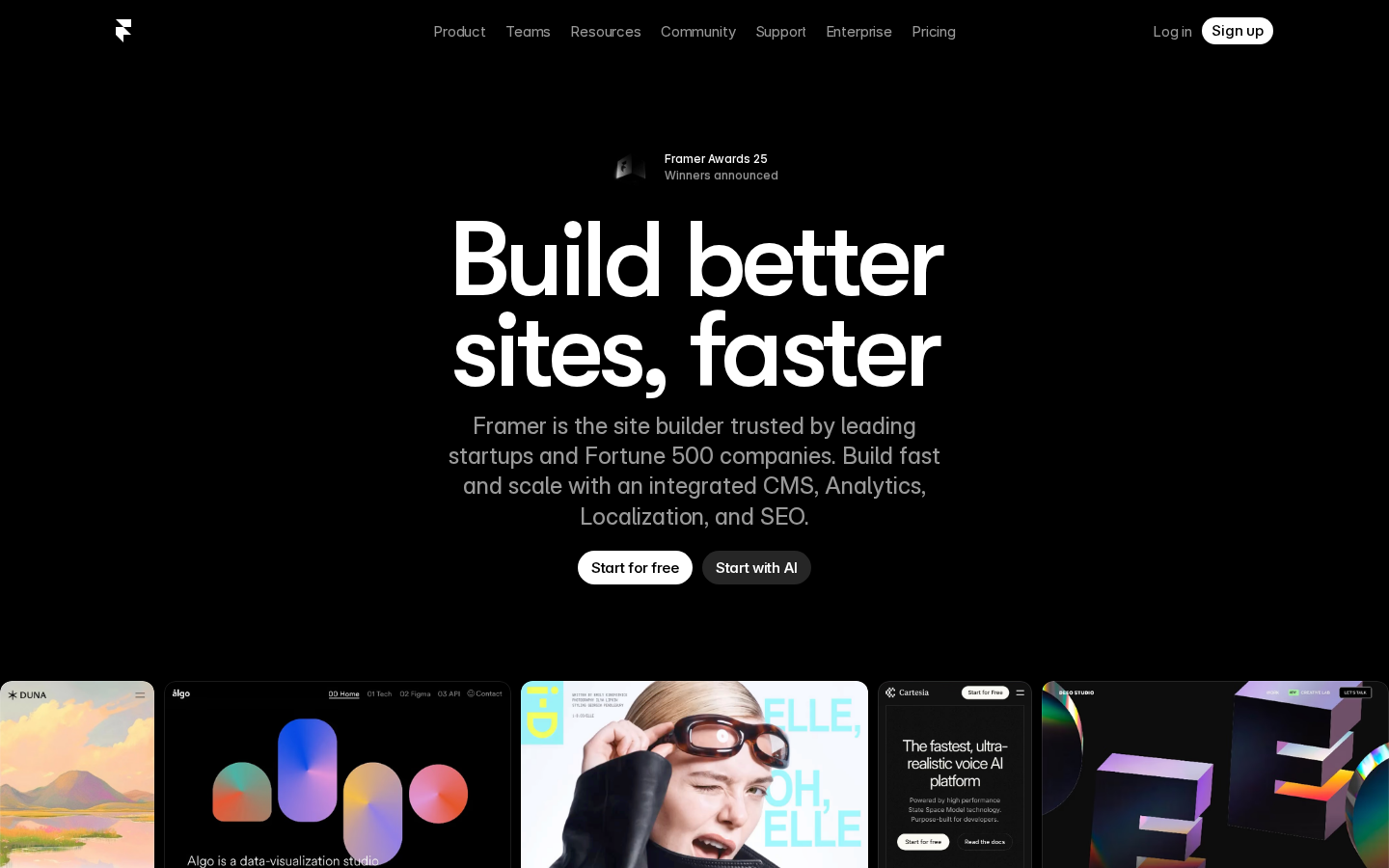
Framer started as a prototyping tool for designers and evolved into a full website builder. Today it is the go-to platform for startups, agencies, and designers who want high-quality websites without hiring a developer. It combines a visual design canvas with real-time publishing, a built-in CMS, SEO tools, and AI generation.
The defining characteristic of Framer is its output quality. Websites built in Framer consistently win design awards and outperform competitors on Core Web Vitals. The AI features let you generate a complete site from a single prompt — or start from one of hundreds of professionally designed templates.
Key Features
AI Site Generation
Describe your website in a sentence and Framer generates a fully designed, responsive site complete with copy, imagery, and layout. The output quality is significantly above other AI builders — Framer’s design DNA shows in every generated page.
Visual Canvas Editor
Framer’s editor is built for designers. Every element is draggable, resizable, and fully customisable without touching code. Breakpoints, animations, and component variants are all first-class features. If you know Figma, Framer’s canvas will feel immediately familiar.
Built-in CMS
Framer includes a CMS for blog posts, case studies, products, or any structured content. Connect a CMS collection to any page template and Framer auto-generates all the pages. No third-party headless CMS required.
SEO and Analytics
Edit meta titles, descriptions, og:image, and structured data per page. Framer generates clean semantic HTML and scores consistently well on Lighthouse. Built-in analytics (no Google Analytics needed) shows traffic, bounce rate, and top pages.
Localization
Translate your site into multiple languages with one click using Framer’s built-in localization. Auto-translates copy and generates language-specific URLs — no plugin or third-party service needed.
Framer Pricing
| Plan | Price | Pages | Best For |
|---|---|---|---|
| Free | $0 | 1 page | Trying it out |
| Mini | $5/mo | Unlimited | Personal sites |
| Basic | $15/mo | Unlimited + CMS | Blogs, portfolios |
| Pro | $30/mo | Unlimited + staging | Startups, agencies |
Framer is exceptional value at $15/mo for the Basic plan. Competing tools like Webflow charge $23/mo for equivalent features and have a steeper learning curve.
Pros and Cons
Pros
- Best design quality of any AI website builder
- AI generation produces genuinely usable output, not just placeholders
- Built-in CMS, SEO, analytics, and localization — no plugins needed
- Figma-like canvas familiar to designers
- Excellent Core Web Vitals scores out of the box
- Generous affiliate program — 50% first year
Cons
- Not for complex web apps — it is a site builder, not an app builder
- CMS has limits on the lower plans (100 items on Basic)
- Less extensible than Webflow for complex interactions
- Steeper learning curve than Squarespace for non-designers
Framer vs Webflow
| Feature | Framer | Webflow |
|---|---|---|
| Design quality | Outstanding | Excellent |
| Learning curve | Moderate | Steep |
| AI generation | Yes — site-level | Limited |
| CMS | Built-in | Built-in (more powerful) |
| Starting price | $5/mo | $14/mo |
Who Is Framer Best For?
- Designers and design agencies: Best design-to-publish workflow available
- Startups: Launch a beautiful marketing site fast — iterate without a developer
- Freelancers: Build and host client sites on the agency plan, collect monthly retainer
- Content creators: Clean blog and portfolio with built-in CMS
Skip it if: You need a complex e-commerce store or a web app with user auth — use Webflow + Memberstack or Bolt.new instead.
Need a Landing Page for Your Project?
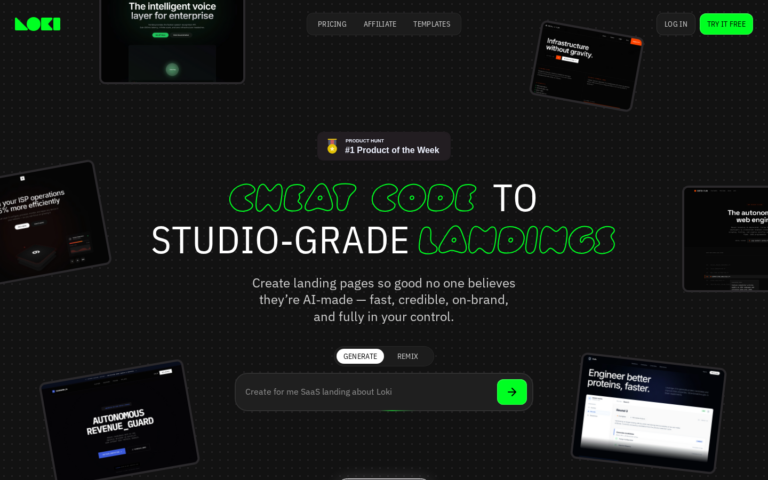
Whatever you’re building, you need a page that converts. Loki.Build generates studio-grade landing pages from a single prompt — in under 60 seconds. Free plan available. And if you share it with others, you earn 50% of their first 3 payments.
FAQ
Is Framer better than Webflow?
For marketing sites and portfolios, yes — Framer is faster to use and produces comparable design quality. For complex CMS-heavy sites with advanced interactions, Webflow still has the edge.
Can I use my own domain on Framer?
Yes, on all paid plans. Custom domains are available from the Mini plan at $5/mo.
Does Framer have an affiliate program?
Yes — Framer pays 50% of the first year of any subscription you refer. One Pro referral pays $180.
Final Verdict
Framer is the best choice for anyone who prioritises design quality and wants to launch fast. The AI generation is the most impressive we have tested for marketing sites, and the $15/mo Basic plan covers everything most users need. If your brand is your business, Framer is worth every cent.