What Is GitHub Copilot?
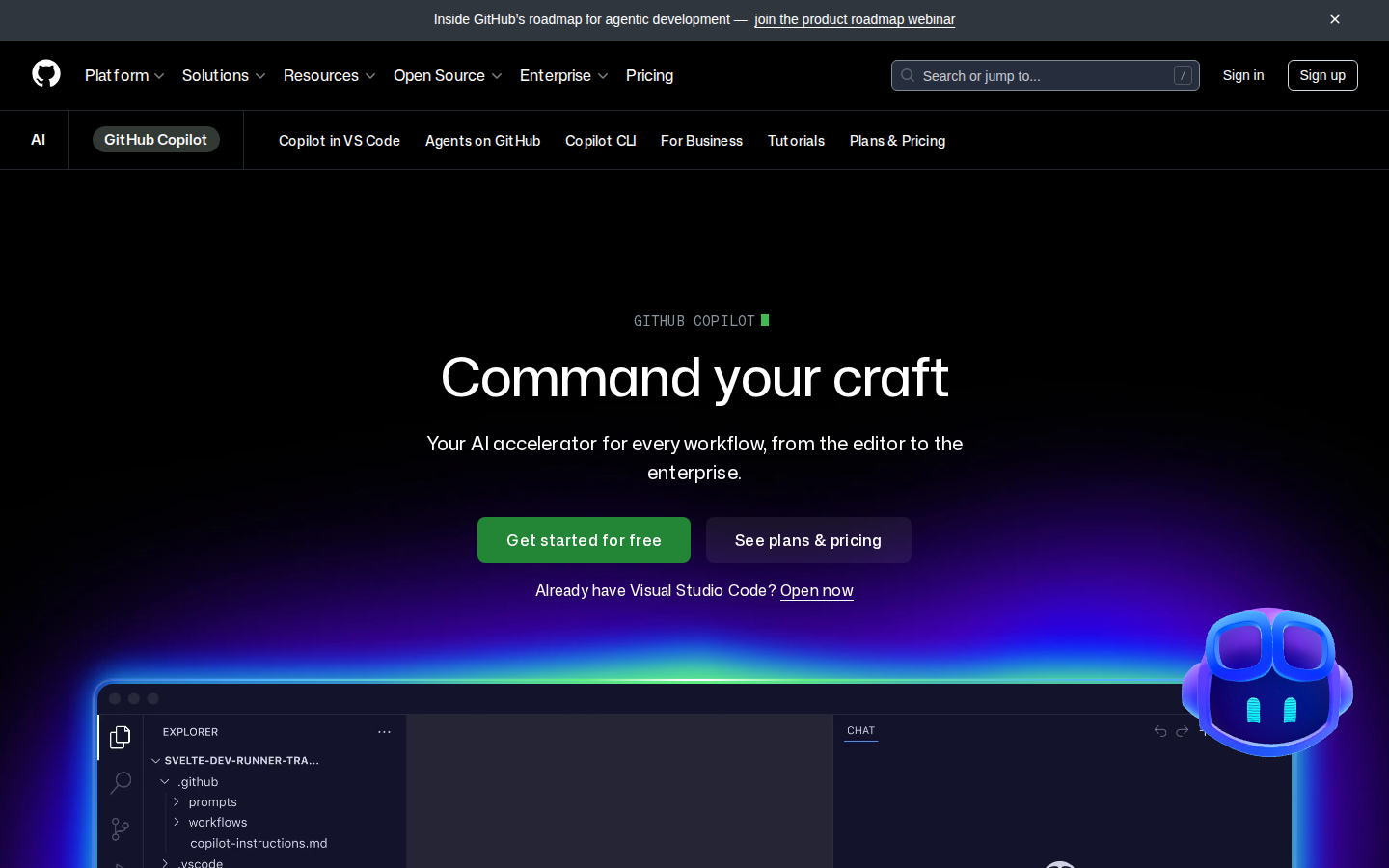
GitHub Copilot is an AI pair programmer built by GitHub and OpenAI. It integrates directly into your editor — VS Code, Visual Studio, JetBrains IDEs, Neovim — and suggests code completions, entire functions, tests, and documentation as you type. It launched in 2021 and has become the most widely used AI coding tool in the world.
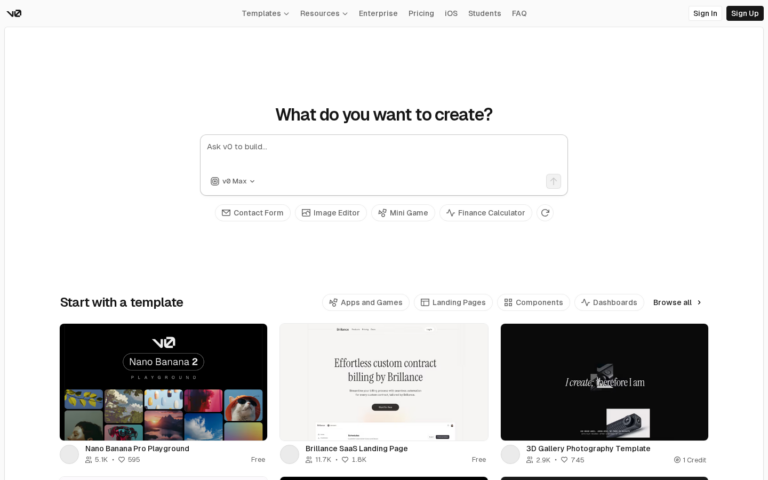
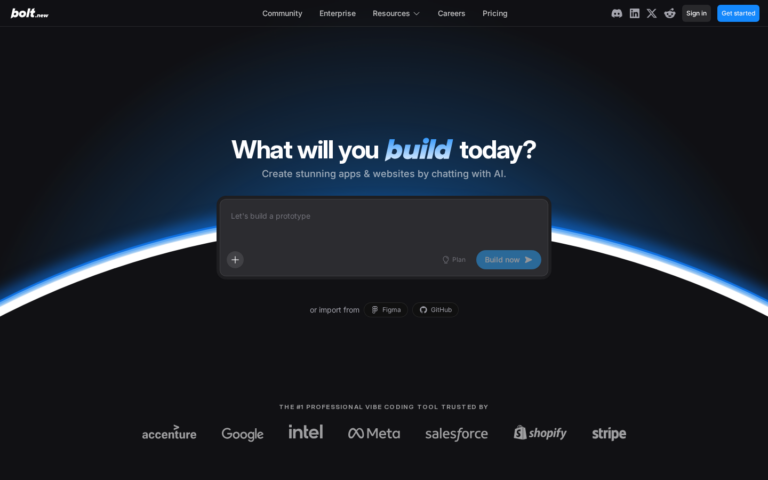
Unlike Bolt.new or Lovable, which generate entire apps from a prompt, Copilot enhances your existing coding workflow. It does not replace your development environment — it supercharges it. As of 2026, it includes a chat interface, multi-file edits, code reviews, and agent-style autonomous tasks via Copilot Workspace.
Key Features
Inline Code Completions
As you type, Copilot suggests completions ranging from a single line to entire functions. It understands context from your open files, your coding style, and the surrounding code. Completions appear as ghost text and are accepted with Tab.
Copilot Chat
Ask questions, request refactors, explain code, or generate tests in a chat panel inside your editor. Copilot Chat understands the context of your open file and can make targeted edits across your codebase.
Copilot Workspace
The latest feature allows Copilot to plan and implement multi-file changes autonomously. Describe what you want to build and Copilot creates a spec, implementation plan, and writes the code — across your entire repo.
Pull Request Summaries
Copilot automatically writes PR descriptions, summarising what changed and why. Saves 10–15 minutes per PR for teams with high commit volume.
CLI Integration
GitHub Copilot in the CLI suggests shell commands, explains what a command does, and helps debug terminal errors. Essential for developers who live in the terminal.
GitHub Copilot Pricing
| Plan | Price | Completions | Best For |
|---|---|---|---|
| Free | $0 | 2,000/month | Hobbyists, students |
| Pro | $10/mo | Unlimited | Individual developers |
| Business | $19/user/mo | Unlimited | Teams |
| Enterprise | $39/user/mo | Unlimited + fine-tuning | Large orgs |
The free tier is genuinely useful for occasional coding. Pro at $10/mo is among the best value subscriptions in software — it pays for itself within hours of use.
Start Free — 2,000 Completions/Month →
Pros and Cons
Pros
- Works inside your existing editor — zero workflow change required
- Best-in-class code completion quality across 30+ languages
- Copilot Chat handles refactors, tests, and explanations inline
- Free tier is genuinely useful (2,000 completions/month)
- Backed by Microsoft + OpenAI — model quality is top-tier
- Business plan includes IP indemnity and data privacy controls
Cons
- Does not generate full apps — you still need to code
- Suggestions can be confidently wrong on niche frameworks
- Copilot Workspace still in early access — uneven reliability
- Requires GitHub account (minor friction for non-GitHub users)
GitHub Copilot vs Cursor
| Feature | GitHub Copilot | Cursor |
|---|---|---|
| Editor | Plugin for VS Code, JetBrains | Standalone fork of VS Code |
| Multi-file edits | Copilot Workspace | Composer mode |
| Model choice | GPT-4o, Claude 3.5 | GPT-4o, Claude 3.5, o1 |
| Free tier | 2,000 completions/mo | Limited trial |
| Price | $10/mo | $20/mo |
Read our full Cursor vs GitHub Copilot comparison →
Who Is GitHub Copilot Best For?
- Professional developers: The Pro plan at $10/mo is the highest-ROI coding tool available
- Teams: Business plan adds privacy controls and org-wide policy management
- Students: Free with GitHub Student Developer Pack
- Polyglot developers: Supports Python, JS, Go, Rust, Java, C++ and 30+ more
Skip it if: You want to build full apps without writing code — try Bolt.new or Lovable instead.
Need a Landing Page for Your Project?
Whatever you’re building, you need a page that converts. Loki.Build generates studio-grade landing pages from a single prompt — in under 60 seconds. Free plan available. And if you share it with others, you earn 50% of their first 3 payments.
FAQ
Is GitHub Copilot free?
Yes. The free tier provides 2,000 code completions and 50 chat messages per month. The Pro plan at $10/mo removes all limits.
Does GitHub Copilot work with JetBrains?
Yes. Copilot has official plugins for IntelliJ IDEA, PyCharm, WebStorm, GoLand, and all other JetBrains IDEs.
Is Copilot better than ChatGPT for coding?
For coding specifically, yes. Copilot’s context awareness of your open files and inline completion experience is far superior to copy-pasting code from a browser.
Final Verdict
GitHub Copilot is the default choice for any developer who wants AI assistance without changing their tooling. At $10/mo for unlimited completions, it is the most cost-effective AI upgrade you can make to your development workflow. The free tier is enough to experience the value before committing.